A medication reminder that rings on silent: why phones go quiet, and how to fix it
Silent mode, Do Not Disturb and battery savers stop most medicine reminders. Here is why it happens on Android and iPhone, and a two-minute test that proves yours will ring.
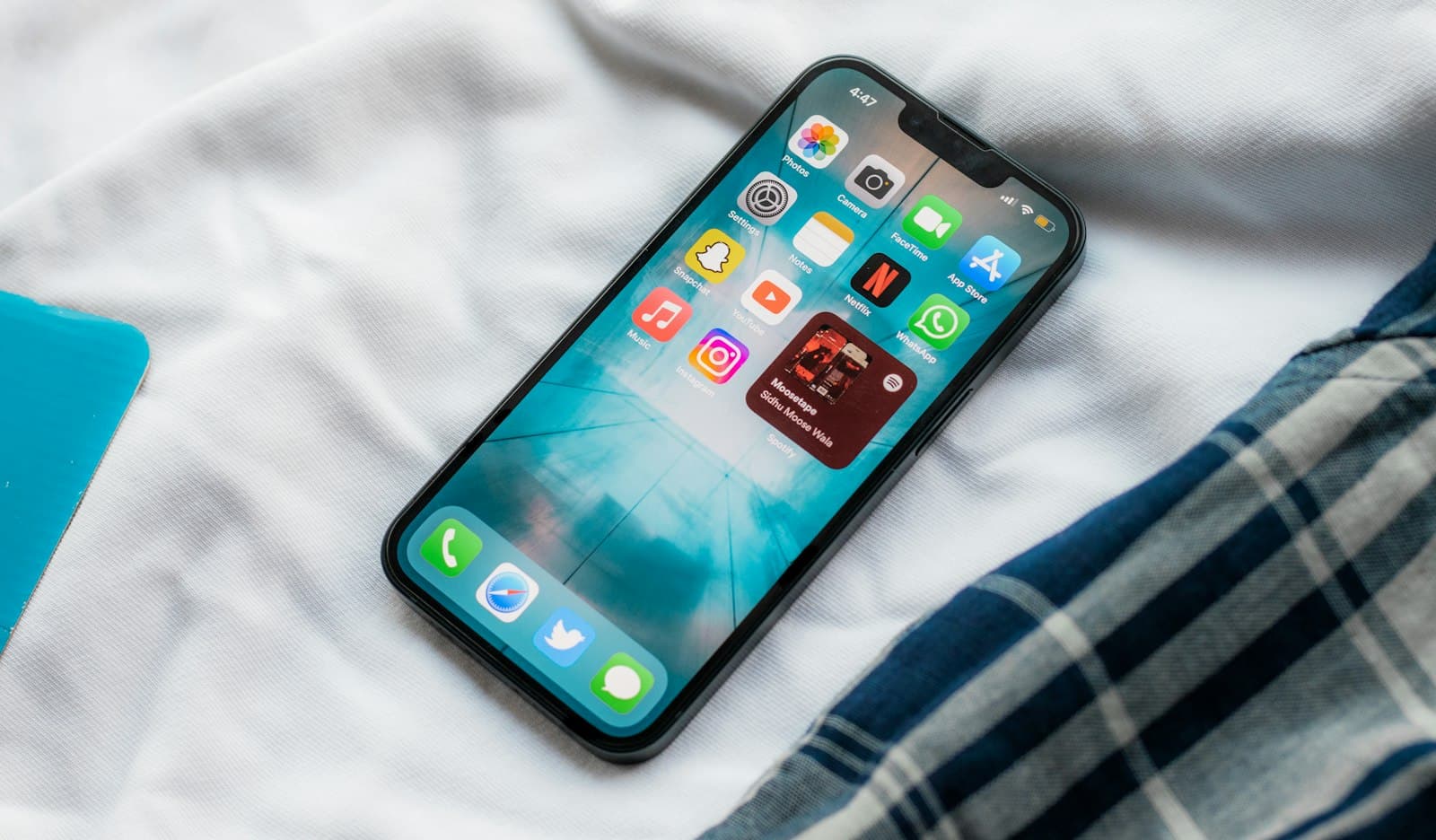
A medication reminder that rings on silent sounds like a small thing until the evening it doesn't, and a blood-pressure tablet waits in the box until morning. Most reminder apps send a notification, and a notification is exactly what a phone on silent, in Do Not Disturb or in battery-saver mode is built to hide. This guide explains what quiets reminders on Android and on iPhone, how to set your phone so the reminder gets through, and a quick test that proves it works before you rely on it.
Why medicine reminders go quiet
Five things stop a reminder far more often than a broken app does:
- Silent or vibrate mode. A normal notification follows the phone's ring mode. On silent it makes no sound at all, and a vibration in a bag or a drawer is easy to miss.
- Do Not Disturb or a Focus mode. These hold back notifications for hours, often overnight and through the morning, which is exactly when many medicines are due.
- Battery savers. Many Android phones close apps in the background to save power. An app that has been closed cannot ring. Some brands are far stricter than others, and an independent site, Don't kill my app, ranks them and shows the fix for each one.
- Missing permissions. On newer Android versions an app needs permission to post notifications, and a separate permission for exact alarms. Without it, a reminder can arrive minutes late or not at all.
- A restart. A phone that restarted overnight, after an update or a flat battery, has to set its reminders again. Good apps do this on their own. Some don't.
These are the normal conditions of a real phone, which is why missed doses are so common. The World Health Organization's report on adherence to long-term therapies found that in developed countries only about half of people with long-term conditions take their medicines as prescribed. Forgetting is one of the most common reasons, and a reminder that never sounds is forgetting with extra steps.
Notifications and alarms are not the same thing
A notification is a message. It appears, it makes the sound your phone allows at that moment, and if you don't touch it, it sits in a list. An alarm is closer to a phone call: it takes over the screen, makes sound even when the phone is set to be quiet, and keeps going until someone answers it. For a medicine that matters, you want the second kind.
That difference is why a clock alarm wakes you on a silent phone while a reminder app often doesn't. The clock uses the phone's alarm channel; most reminder apps use the notification channel.
Still choosing an app? Our guide to the best medication reminder app for Android compares which ones describe a real alarm.
How to make reminders ring on Android
- Allow notifications for your reminder app in Settings › Apps › your app › Notifications.
- Allow alarms and reminders (sometimes called exact alarms) on the same app page. This lets the app ring at the exact minute.
- Take it out of battery optimisation. Set the app to "Unrestricted" battery use. On Xiaomi, Oppo, Vivo, Realme, Huawei and some Samsung phones, also allow "Autostart" or "Run in background". Look up your phone on dontkillmyapp.com for the exact steps.
- Let it through Do Not Disturb. Add the app as an exception, or allow alarms during Do Not Disturb. Google explains the options in Limit interruptions with Do Not Disturb.
- Allow it to show over the lock screen if the app asks. That is what lets a full-screen alarm appear without unlocking the phone.
On iPhone
iPhones handle this differently. On iOS 26 or newer, apps can ring as a real alarm, the same way the Clock app does, so the reminder sounds through silent mode. On older iPhones, apps can send time-sensitive notifications, which you can allow through a Focus mode in Settings. Two iPhone features can stop reminders: hiding an app, and locking it with Face ID. If your reminder app is hidden or locked, it may not ring at all.
How Medicose handles it
Medicose was built around this problem. On Android, the full-screen alarm rings through silent mode and Do Not Disturb, opens over a locked phone, shows how late the dose is, and keeps coming back until somebody answers. Several medicines due at once can be taken together or one by one, snoozed for ten minutes, or moved to a better time. If you would rather have something gentler, you can choose Quiet and answer from the notification instead.
Because battery savers differ by brand, the app checks your phone's settings and shows the fix for each one under Settings › Your alarms. On iPhone with iOS 26 or newer, Medicose rings as a real Apple alarm with a Taken button, right through silent mode, and the same screen warns you if the app is hidden or locked with Face ID. Medicose is on Google Play now; the iPhone app is coming to the App Store.
The two-minute test
Whatever app you use, test it the way you will actually live with it:
- Set a reminder for two or three minutes from now.
- Switch the phone to silent and turn on Do Not Disturb.
- Lock the screen and put the phone face down, or in a bag.
- Wait. If you don't hear it from across the room, fix the settings above and try again.
Repeat the test after a phone update or a restart. It takes two minutes, and it is the only way to know your reminder will ring on the day it matters.
If a dose was missed anyway
It happens. Don't double the next dose to make up for it unless your doctor has told you to. Our guide to what to do after a missed dose covers the general rules, and six habits that make remembering automatic helps on the days the phone isn't the problem.
This guide is general information, not medical advice. Your doctor or pharmacist knows your medicines and your health, so ask them before you change how you take anything.
Frequently asked questions
Will a medication reminder ring if my phone is on silent?
Most reminder apps send notifications, which stay quiet on silent. An app that uses a real alarm can ring through silent mode. On Android, Medicose rings through silent and Do Not Disturb; on iPhone with iOS 26 or newer it rings as a real alarm.
Why does my medicine reminder not ring when the phone is locked?
Usually a battery saver closed the app in the background, or the app is missing the exact-alarm or lock-screen permission. Set the app's battery use to Unrestricted and allow alarms and reminders in its app settings.
Do I need to keep the reminder app open?
No. A well-built reminder app schedules alarms with the phone itself, so it rings even when the app is closed. What matters is that the phone's battery saver is not allowed to stop it.
Get Medicose free
Never miss a dose, yours or your family’s. Free for patients and caregivers.
Free on Android. No credit card. No ads. Ever.